POV Calling
Hands-free point of view video calling via WhatsApp, Messenger and Instagram.
Owned the voice experience for POV Calling, a new interaction pattern that brought hands-free video calling to smart glasses for the first time. Partnered with a product designer and PM, leveraging my calling domain expertise to shape the feature vision and define how the phone extended the glasses experience. Exceeded adoption targets by 68% at launch.
Leveraged my domain expertise in calling and model based dialog to shape what mattered for this feature and what didn't.
Helped the product designer and PM understand the tech stack, disambiguation patterns and why certain decisions were made.
Applied learnings from In-Call Capture on Portal to shape the mid-call voice experience and help the team get it right.
Built on the same model-based dialog system I designed for Calling. My deep knowledge of that architecture let me enable the team across functions.
Helped them understand how disambiguation, recovery, and provider logic worked under the hood.
Onboarded a new PM and research team on how model-based dialog behaves differently from rules-based systems.
The team could build on a proven architecture instead of starting from scratch on a new feature type.
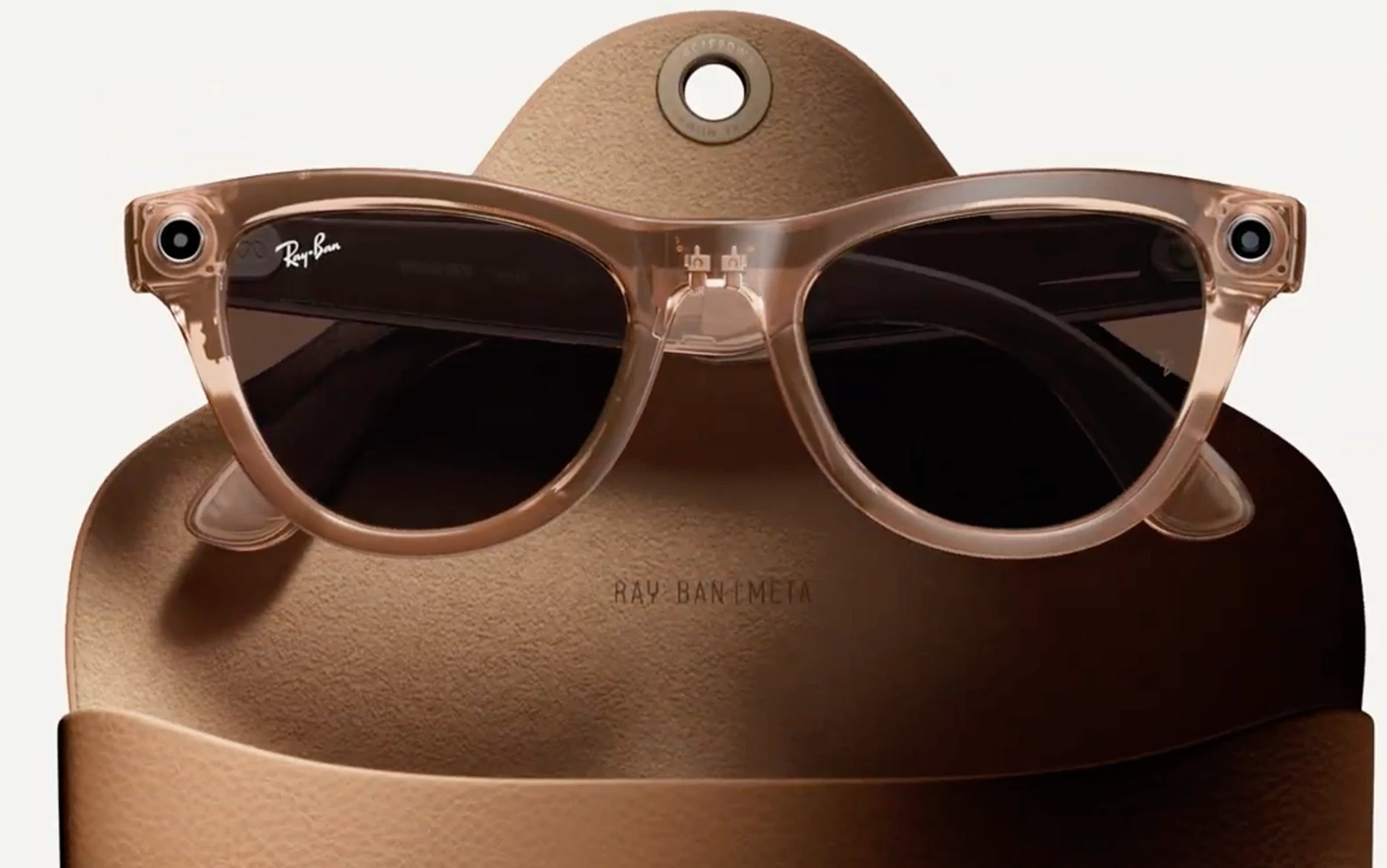
Ray-Ban Meta
Users wanted video calling on smart glasses, but Ray-Ban Meta had no screen. We needed to design a video calling experience where the phone became an extension of the glasses. The key differentiator was the hands-free perspective: users could share what they see without holding a phone. Live streaming had launched first and worked, but most people felt more comfortable with a private video call than going live.

A parent sharing their baby's first steps while their hands are free to hold the child. The glasses capture the perspective that a phone never could.
Creators wanted the first-person perspective for social media but felt more comfortable sharing it privately via a call than going live to an audience.
I designed the voice interactions that let users initiate, manage and end POV calls entirely hands-free on the glasses while the phone handled the visual side. The voice experience had to be seamless enough that users stayed present in the moment rather than reaching for their phone.
POV Calling was one of the most complex features to explain: it required the glasses and the phone working together simultaneously. We leveraged the voice experience to guide users through their first call with voice tips, helping them understand what was happening on each device without needing to read instructions.
Voice Tips Initiative
The voice prompts proved so effective at guiding users through this complex multi-device experience that I initiated a broader effort to bring voice education across the entire calling domain. Collaborating with PMs, we expanded voice prompts to all voice-first calling experiences, driving significant user education at scale.
After receiving a call or message, users had no guidance on what they could do next. They didn't know they could reply by voice, double tap to read a message, or share their perspective.
Contextual voice tips appeared after key moments, letting users know their options: reply to a message, double tap to read, or share their point of view. Applied across calling and messaging, with sharing adopting it later.
POV Calling was scoped to launch on a single provider.
Most users only had Messenger connected. Pushing for WhatsApp drove a 10% increase in users pairing their glasses to WhatsApp.
Users had to start the call on their phone, then double tap glasses to share.
Start the entire experience via voice, fully hands-free from start to finish.
The plan was to launch the feature with this name.
Renamed to reflect what the glasses actually do. Shipped globally in marketing.
Ray-Ban Meta Display
With Ray-Ban Meta Display, POV Calling evolved to include a heads up display and gesture input. The challenge was designing a video calling experience where users could see the other person on a small in-lens display while sharing their own perspective through the glasses camera. Three input methods (voice, gestures, display) had to work together without overwhelming the user.
For the first time, users could see the other person on their display while sharing their point of view, making it a true two-way video call.
Managing a call with voice, gestures and a display in your eyeball required careful balance to keep the experience simple and natural.
Unlike Ray-Ban Meta where everything was voice-only, the Display required me to work across both conversation design and UI, shaping screens that dynamically respond to conversational states.
Primary way to initiate and manage calls, staying consistent with the Ray-Ban Meta experience.
UI updates with each voice state: showing contacts during disambiguation, video feed when connected.
Audio cues for call states without adding visual clutter. Three modalities, one experience.
POV Calling exceeded adoption targets by 68% at launch with 17.8K users. The feature drove adoption of other WhatsApp communication features since 10% of users who didn't have their glasses linked to WhatsApp paired them after trying POV Calling.
Coordinating two devices revealed that voice wasn't just the interaction method, it was the onboarding method. We shipped start on phone first to validate demand, then used adoption data to prioritize voice-first in the next release.